 for the macro whose schedule you want to edit.
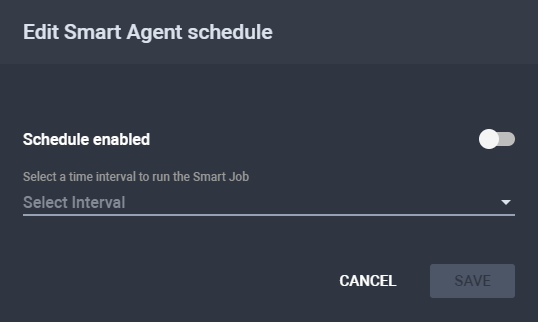
The Edit Smart Agent Schedule dialog is
displayed.
for the macro whose schedule you want to edit.
The Edit Smart Agent Schedule dialog is
displayed.
The Edit Smart Agent Schedule Dialog
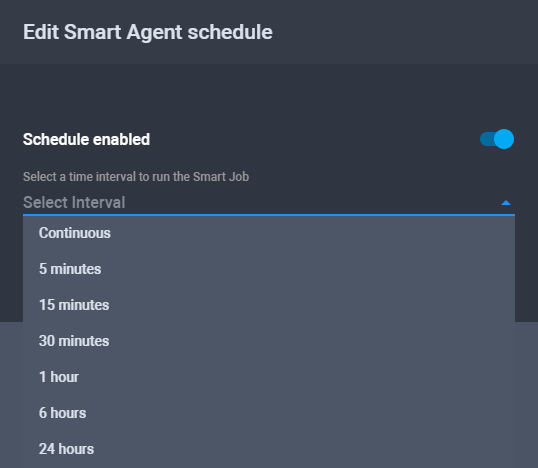
Choosing a Time Interval
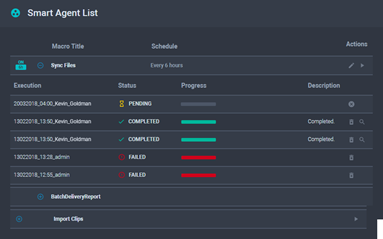
Updated Smart Agent List Menu
To add or edit the schedule of a macro:
for the macro whose schedule you want to edit.
The Edit Smart Agent Schedule dialog is
displayed.
The Edit Smart Agent Schedule Dialog
Choosing a Time Interval
Updated Smart Agent List Menu
See Also