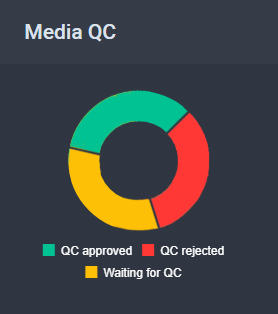
This section allows you to see all media items that currently have the QC Approved, QC Rejected, or Waiting for QC statuses.
The Media QC Section
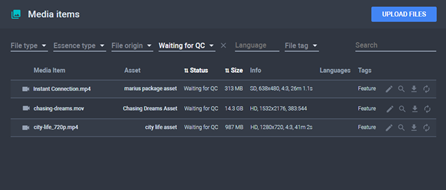
Clicking on any item from the graph will open the Media Items menu with the Status filter set accordingly.
The Filtered Media Items
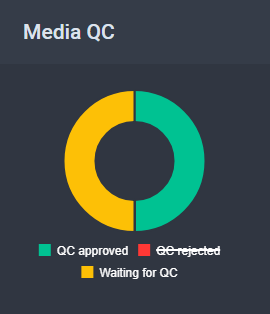
Clicking on any item from the bottom list will show or hide the respective status from the graph.
Media QC Toggle
See Also