 Run for the
Sync Files smart agent. The
Confirm Action dialog is
displayed.
Run for the
Sync Files smart agent. The
Confirm Action dialog is
displayed.
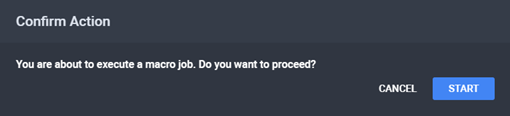
The Confirm Action Dialog
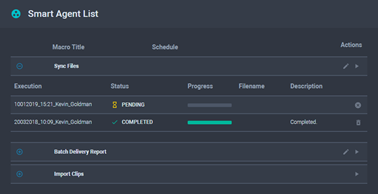
Smart Agent Progress
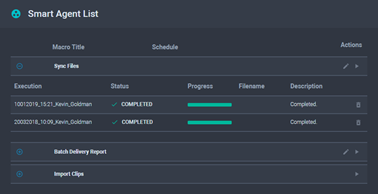
Completed Smart Agent
To run a Sync Files smart agent:
Run for the
Sync Files smart agent. The
Confirm Action dialog is
displayed.
The Confirm Action Dialog
Smart Agent Progress
Completed Smart Agent
See Also