Adding a Segment
To add a segment to a composition template:
- From the Composition Templates menu, click
 Edit or click the name of the composition template you want to edit. The Composition Template Details page is displayed.
The Composition Template Details Page
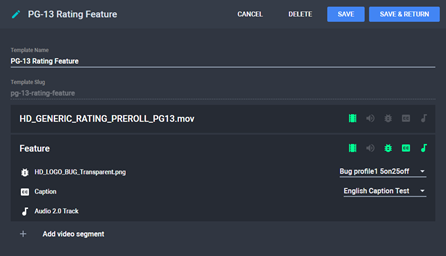
- Click Add video segment. A new segment is added with a video track included.
New Segment
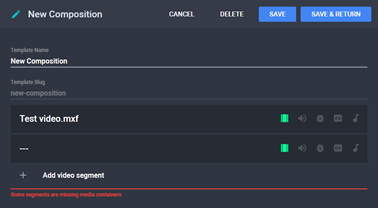
- Click
 and choose a video file for the segment.
 - Optional: Attach an audio, bug, timed text, and/or track item to the segment by clicking
 .
. Note: If the item you are looking for is not in the list, click Choose Media Item... then attach the file by clicking  .
.
- Click Save to save changes and continue editing the composition template or Save & Return to save changes and return to the Composition Templates menu.
See Also