Creating a Composition Template
To create a composition template:
- From the Composition Templates menu,
click New Composition Template. The Create New Composition Template page is displayed.
The Create New Composition Template Page
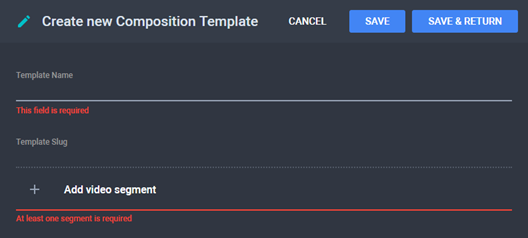
- Type a name for the composition that will be generated based on
the template. The Template Slug is automatically
generated.
- Add a segment, which already contains a video track. Repeat step
3 as many times as necessary. See Adding
a Segment.
- Click Save to save changes and continue
editing the composition template or Save &
Return to save changes and return to the Composition
Templates menu.
See
Also