Creating a New Job
To create a new job:
- From the Jobs menu, click New
Job. The Create New Job page is
displayed.
The Create New Job Page
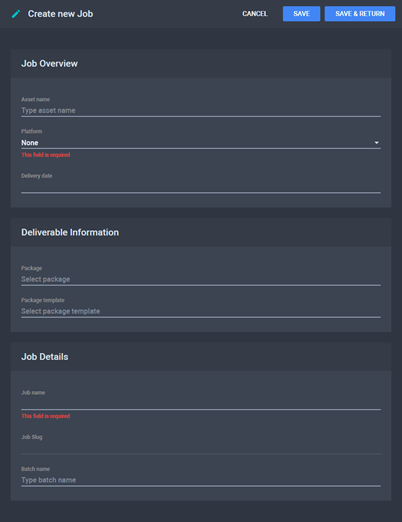
- Fill in the fields. You can either use a build package or choose
a Package Template to generate one when the job is processed. See
Fields on the Job Details
Page.
- Click Save to save changes and continue
editing (the Job History and Comments
sections are displayed) or click Save & Return to save changes
and go back to the Jobs menu.
See
Also