 Edit
for the job you want to delete. The Job Details
page is displayed.
Edit
for the job you want to delete. The Job Details
page is displayed.
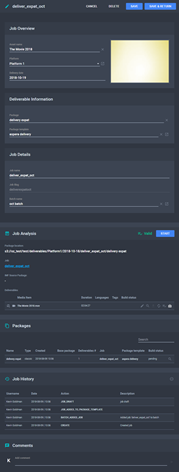
The Job Details Page
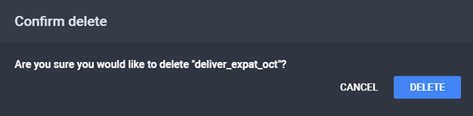
The Confirm Delete Dialog
To delete a job:
Edit
for the job you want to delete. The Job Details
page is displayed.
The Job Details Page
The Confirm Delete Dialog
See Also